![PCS-Black-icon-1.png]](https://processes.premiercrop.com/hs-fs/hubfs/PCS-Black-icon-1.png?width=35&height=40&name=PCS-Black-icon-1.png)
Once in a Project, enter Edit mode.
You'll now see a 'Browse' option with a folder icon:
Select this to open your Visualization Library, which is unique to your username.
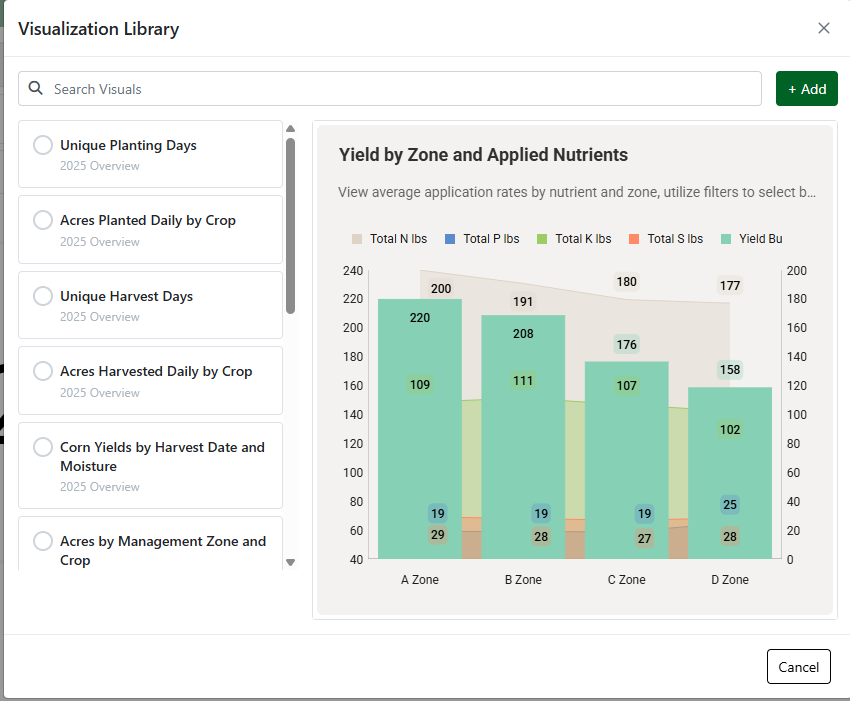
View a preview of the visual before you add it and leverage the Search box to find visuals fast.