![PCS-Black-icon-1.png]](https://processes.premiercrop.com/hs-fs/hubfs/PCS-Black-icon-1.png?width=35&height=40&name=PCS-Black-icon-1.png)
How does it work?
Analyst Studio runs on Query Results. This means the first steps to creating great visuals are to create a group and run a query. Once you have query results you'd like to visualize, you can get started with the Studio.
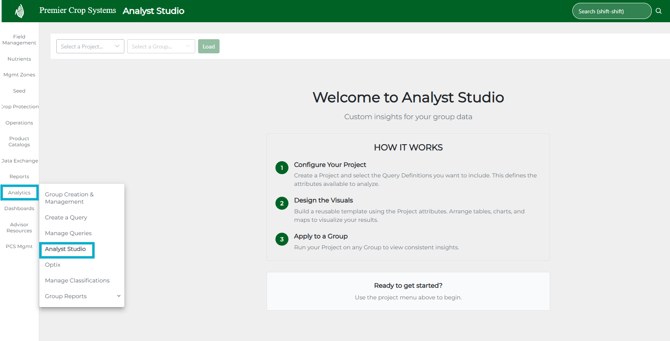
Link found here:
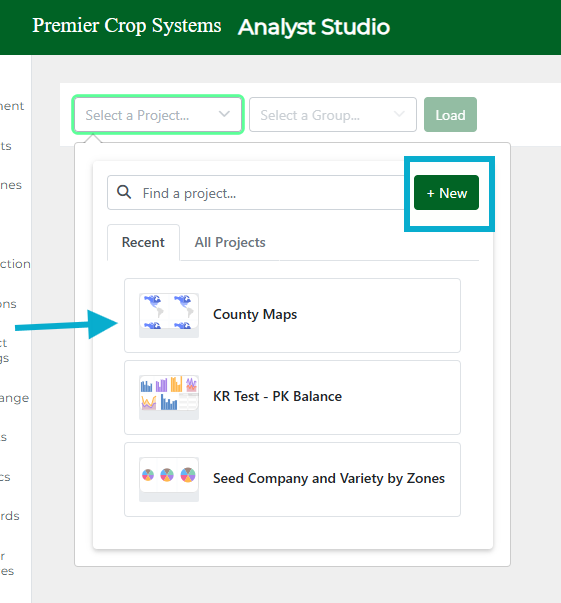
There are two ways to run Analyst Studio - either by selecting an existing Project, also known as a dashboard, or by starting fresh using the 'New' button.
We'll walk through both options in the next two articles.