![PCS-Black-icon-1.png]](https://processes.premiercrop.com/hs-fs/hubfs/PCS-Black-icon-1.png?width=35&height=40&name=PCS-Black-icon-1.png)
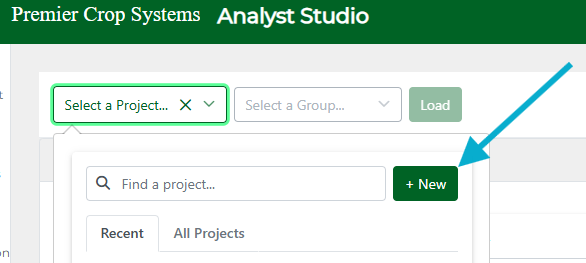
If you desire to start a fresh Project, under 'Select a Project,' click the "+New" button.
From here, you'll be prompted to add Queries to begin visualizing data.
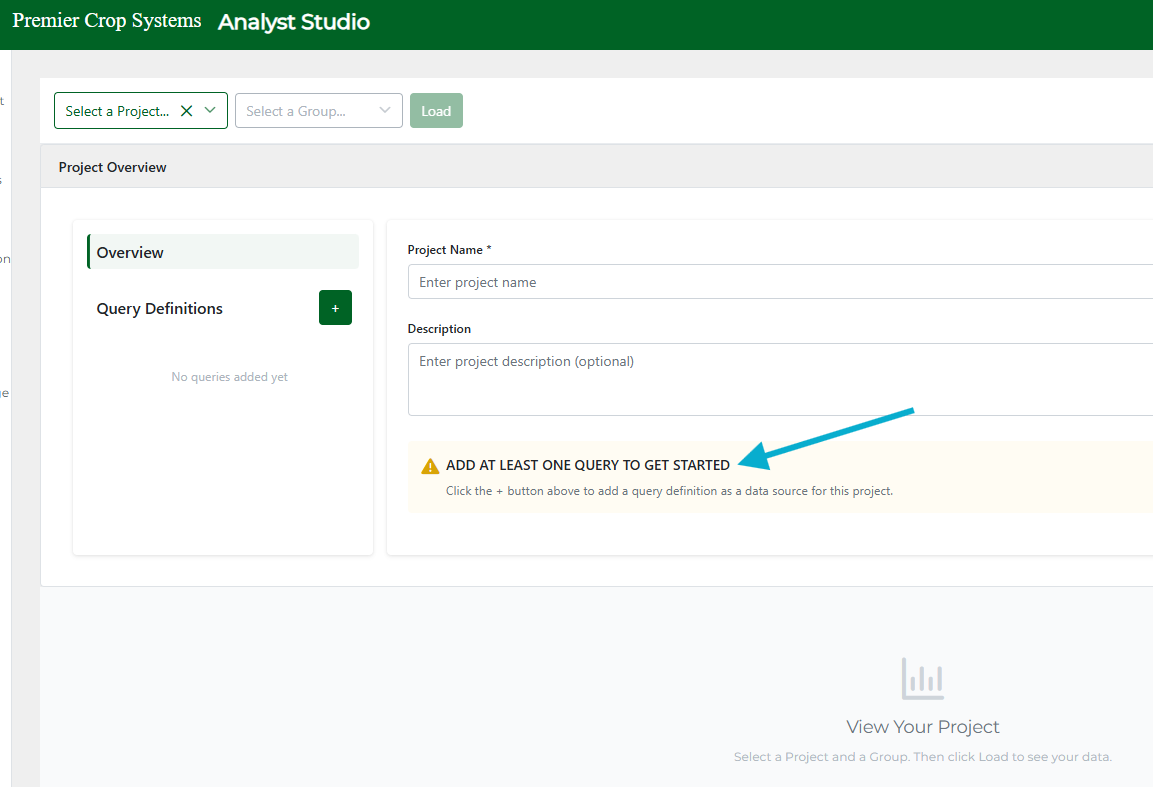
To do so, click the green "+" next to Query Definition and select a query that contains data you'd like to view. You can add multiple, or maybe you just made one giant queries with lots of attributes and measures!
Next, you'll be prompted to Select a Group. Do this from the second top dropdown:
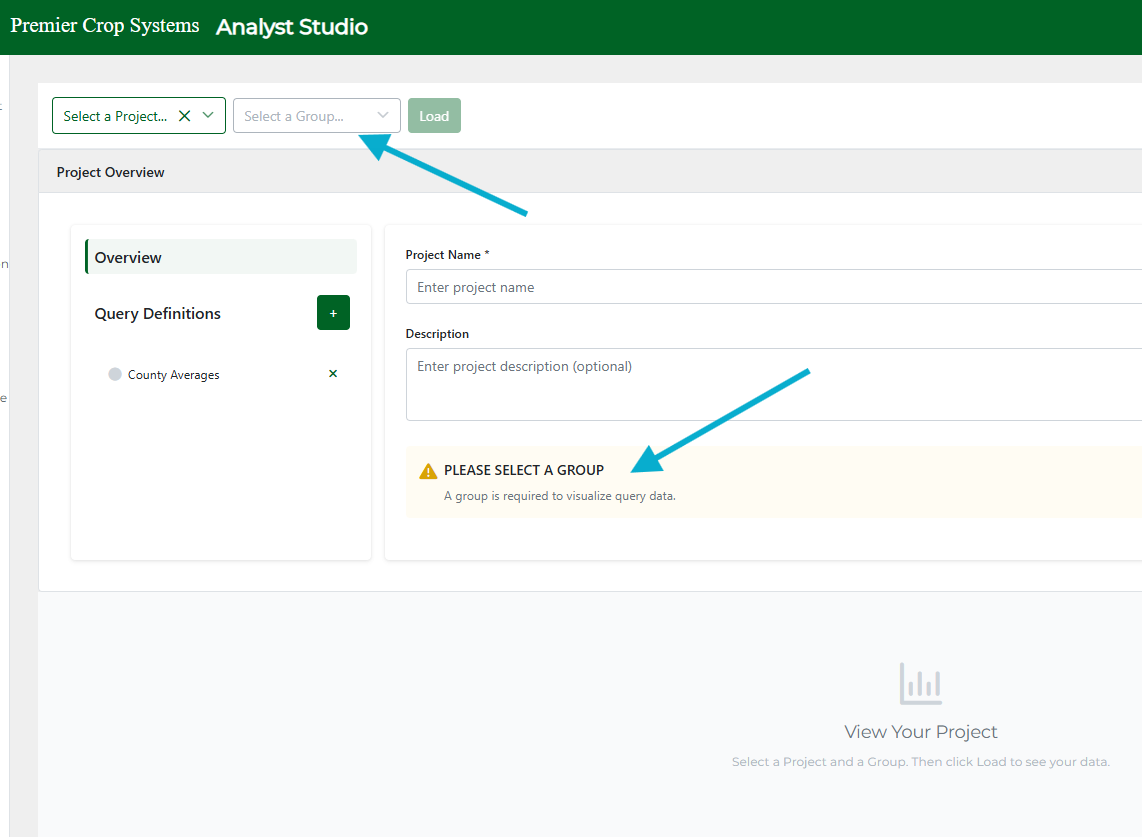
Here, we have separated groups that are 'Ready to Use' from 'Other.' This way, you can see which groups your selected queries have been run against easily. If you don't see the group you want, you'll want to go back to the Manage Queries page to kick off queries against groups.

Give your Project a name and description, and hit Load to start creating Visualizations!
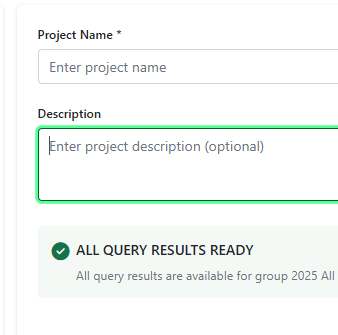
Note: there is not a way to delete Project at this time, so be intentional about what you create.