![PCS-Black-icon-1.png]](https://processes.premiercrop.com/hs-fs/hubfs/PCS-Black-icon-1.png?width=35&height=40&name=PCS-Black-icon-1.png)
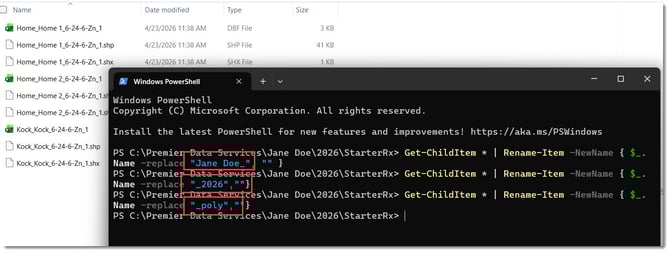
In this example, I want to remove "Jane Doe_" from the shapefiles names:
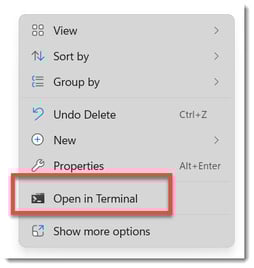
In the unzipped folder, right click and select "Open Terminal".
Type in the following Code, replacing "Jane Doe_" with whatever text you wish to remove:
Get-ChildItem * | Rename-Item -NewName { $_.Name -replace "Jane Doe_", "" }
You will have to use the backspace key to be able to change out the "Jane Doe_" text and put your own in. Just remember to type in ",""} after you do so.
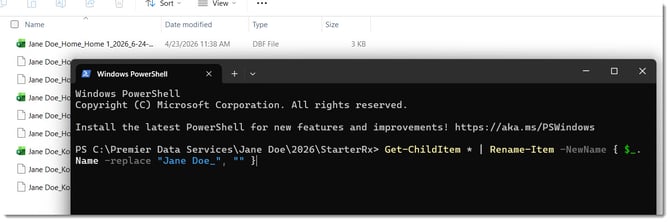
Hit the "Enter" key.
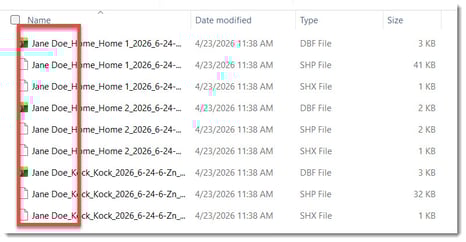
In this example, "_2026" and "_poly" have all been removed for a more simplistic file name to be imported into a display.