![PCS-Black-icon-1.png]](https://processes.premiercrop.com/hs-fs/hubfs/PCS-Black-icon-1.png?height=40&name=PCS-Black-icon-1.png)
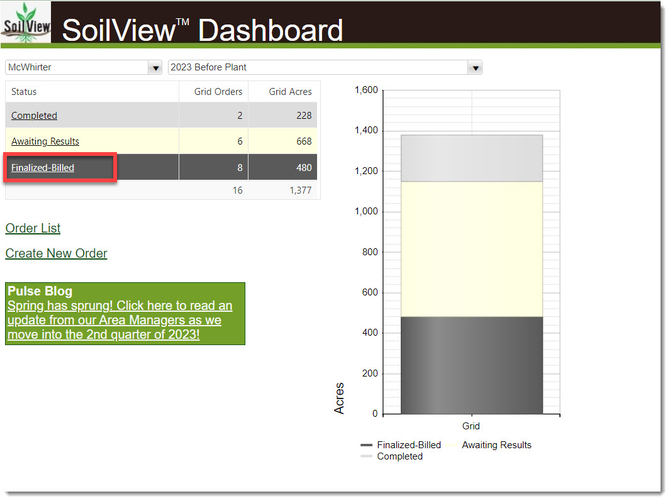
Log into your SoilView account and click the "Finalized-Billed" option.
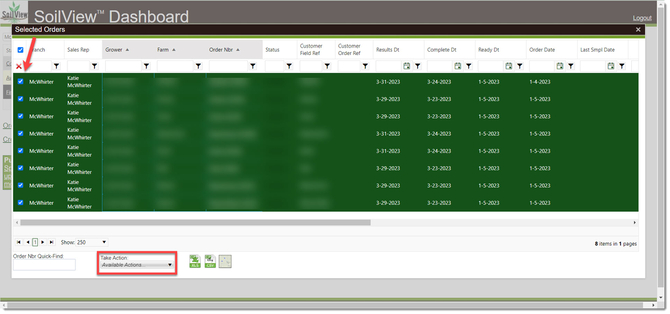
Select the field(s) that you want the report(s) for and then click the "Take Action" dropdown.
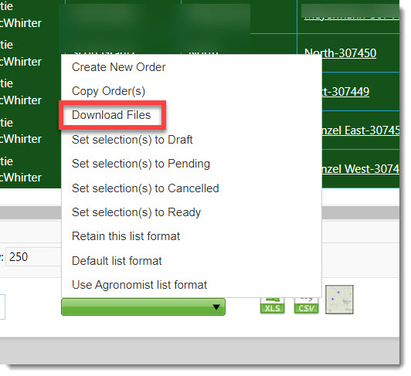
Choose "Download Files" from the list.
Select the "Lab Results Certificate" option and click the "OK" button.
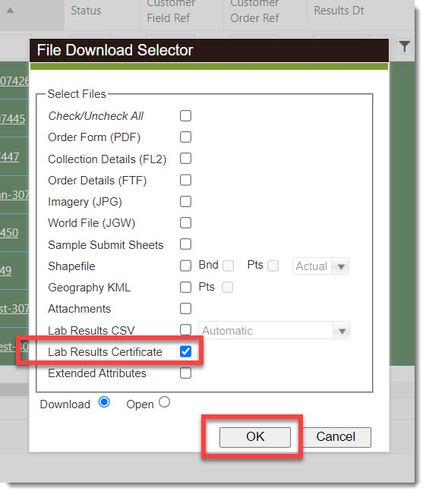
These will now download.