![PCS-Black-icon-1.png]](https://processes.premiercrop.com/hs-fs/hubfs/PCS-Black-icon-1.png?height=40&name=PCS-Black-icon-1.png)
- Check to make sure that you have selected to export those nutrients by clicking the "Show/Hide Export Options" button in the Download Load Sheets of Checked button.

- Look to see if you have selected those nutrients to export in the Load Sheet.

- If they are not selected, select them and save your settings.
- If you have any questions, contact your advisor support representative.
Even if you are not using this function as a batch function and choose to download the Load Sheet at the field level, 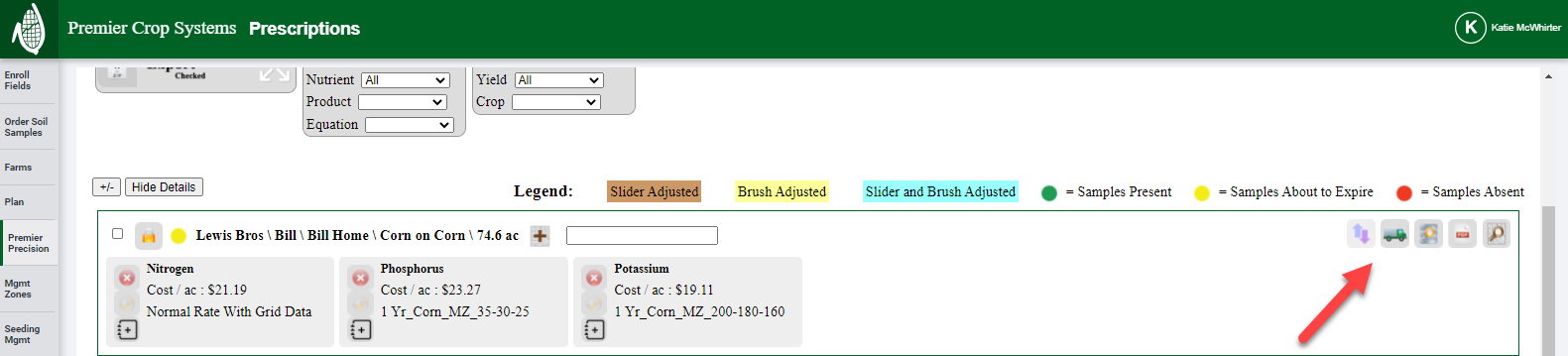 you will need to change the settings in the manner referenced above.